Microsoft Word: 4 essential tricks to know
Microsoft Word

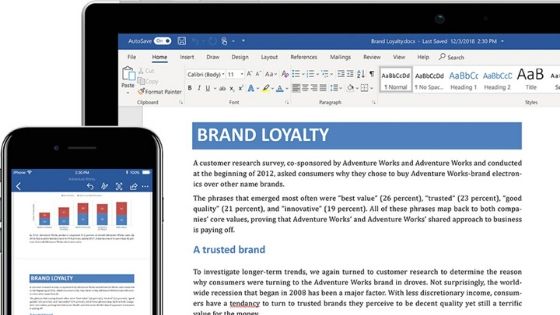
Microsoft Word is the most used text editor in the world. Despite this, many users are unaware of the innumerable potential behind the Office software. In this guide, we will explain some simple tricks that will help you use the program in a more efficient and professional way. How to insert an image without moving the text The insertion of an image between the various sections … Read more
How to Recover Data from a Broken or Damaged Hard Disk

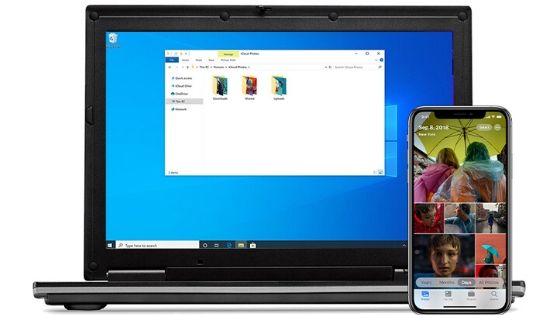
Recover files from a broken PC: what a headache! Whether we want to admit it or not, the so-called “lost data nightmare” prevents anyone who has to deal with a computer from sleeping soundly: what if tomorrow morning the computer suddenly refuses to work and your hard disk is damaged? Or if, worse still, the laptop PC should slip … Read more

How to change the boot order in Windows 10, 8.1, 8 and 7 PC

change the boot order in Windows 2

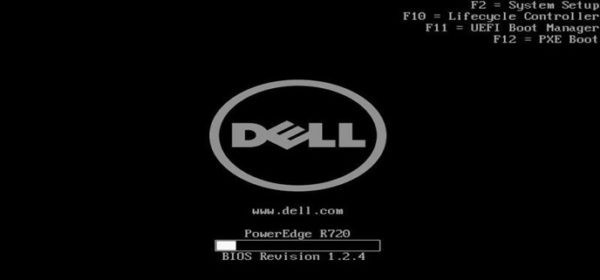
How many times have we come across this problem where we have to change the boot order of the PC? Certainly many, especially when we had to reformat PCs with Windows, Linux or any other operating system. Furthermore, it may be necessary to change the boot order of the PC when we have to perform diagnostic operations; in particular, … Read more

New Microsoft Edge Based on Chromium: Downloads and Features

Microsoft Edge Based on Chromium

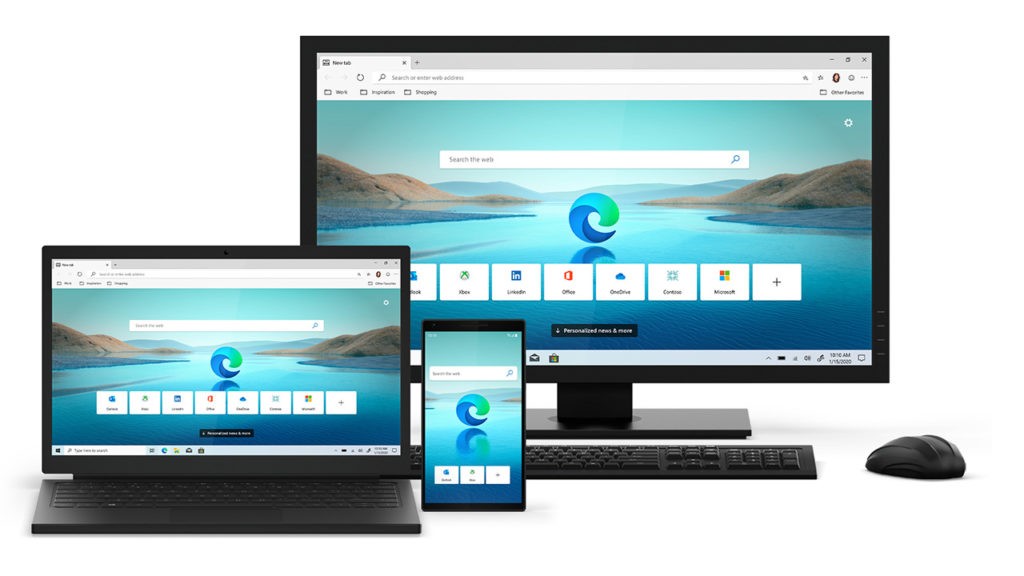
Finally, the new Microsoft Edge has arrived. The famous Microsoft browser, therefore, updates and brings many new features with it that will make the user experience far better than previous versions. Based on Chromium, the same engine as Google Chrome, the new Edge is able to offer truly unprecedented speed of use. In this new version Edge also becomes cross-platform being available … Read more

Signs of PC hard drive is about to fail

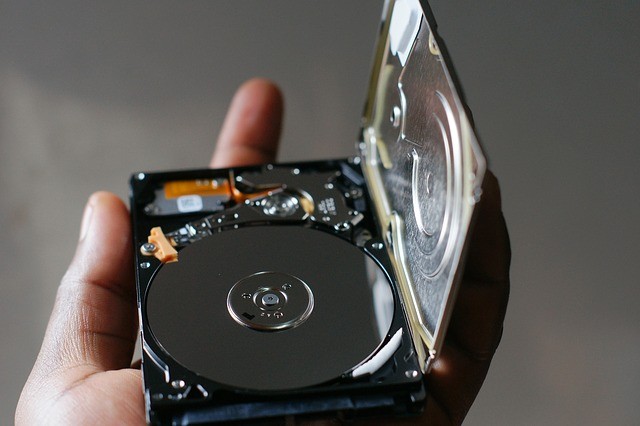
One of the fundamental components of a computer is the disk: the operating system is installed on it, the data is stored on it, the cache operations are carried out in case the physical memory (RAM) is not enough, therefore if this ends up breaking without warning it would be a big problem both for personal … Read more

How to connect two VGA monitors to a PC using Y cable

How to connect two VGA monitors to a PC using Y cable

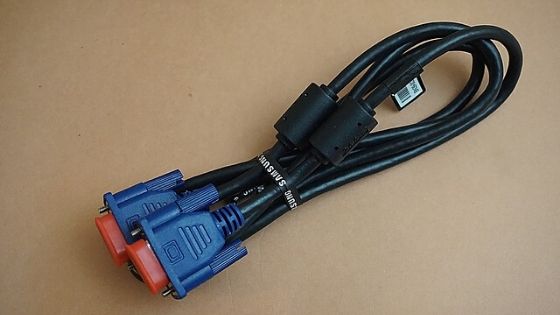
It is possible to connect two VGA monitors to a PC, even if the device has only one available output. You only need a Y VGA cable, which divides the computer image into two sources, and sets them up on Windows, including with an extended Desktop. See how to connect two VGA monitors to a PC with these tips. … Read more

How To Check Hard Disk Health In Windows 10 /7 /8.1

Checking the health of the hard disk is essential to understand if it is about to break. Prevention, as the saying goes, is better than cure. It is always a good practice to keep some diagnostic tools at hand to make sure that your hardware configuration is in excellent health. Particular importance must undoubtedly be kept with regard … Read more

Use your TV as a PC monitor

How to use the TV as a PC monitor

Many people, to have a larger desktop and multiple tabs open at the same time without straining their eyes too much, are used to using multiple monitors simultaneously. Although it may be more convenient, many are hesitant at the idea of ​​using multiple devices at the same time, as they are not convinced of the absolute usefulness. To test … Read more